Apollo Group TV
Compatible Devices
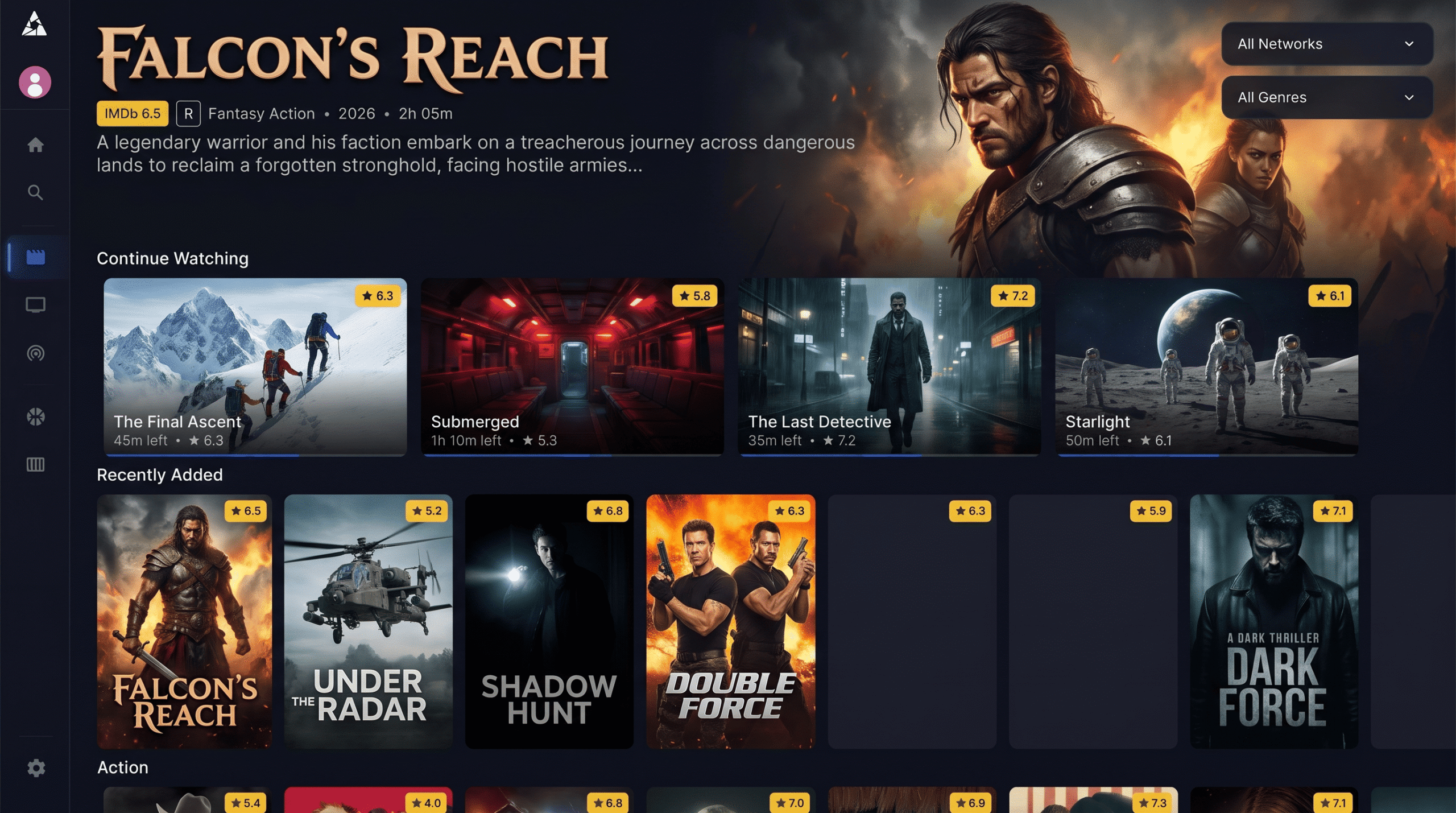
Enjoy your favorite live TV channels and massive VOD library on the screens you already own. Explore the complete list of Apollo Group TV supported devices, including Amazon Firestick, Android TV, Apple TV, Smart TVs, and PC.
Amazon Firestick & Android TV
Android-based operating systems provide the most seamless and robust experience for IPTV. By sideloading the native Apollo Group TV APK, you gain access to our custom-built UI, hyper-fast EPG zapping, and full 4K HDR playback support.
Highly Recommended Devices:
- Amazon Fire TV Stick 4K Max (Wi-Fi 6E optimized)
- Amazon Fire TV Cube & Firestick Lite
- Google TV Streamer (4K)
- Nvidia Shield TV & Shield Pro (Ultimate 4K performance)
- Formuler Boxes (Z11 Pro Max)
- Chromecast with Google TV
Apple TV, iPhone & iPad
Streaming Apollo Group TV on Apple devices is incredibly easy. While Apple's App Store policies restrict native third-party IPTV apps, you can easily stream your subscription using approved, high-performance IPTV player applications utilizing the Xtream Codes API provided in your portal.
Supported Apple Devices:
- Apple TV 4K (3rd Generation & newer)
- iPhone (iOS 14+)
- iPad / iPad Pro
- MacBook, iMac, & Mac Mini
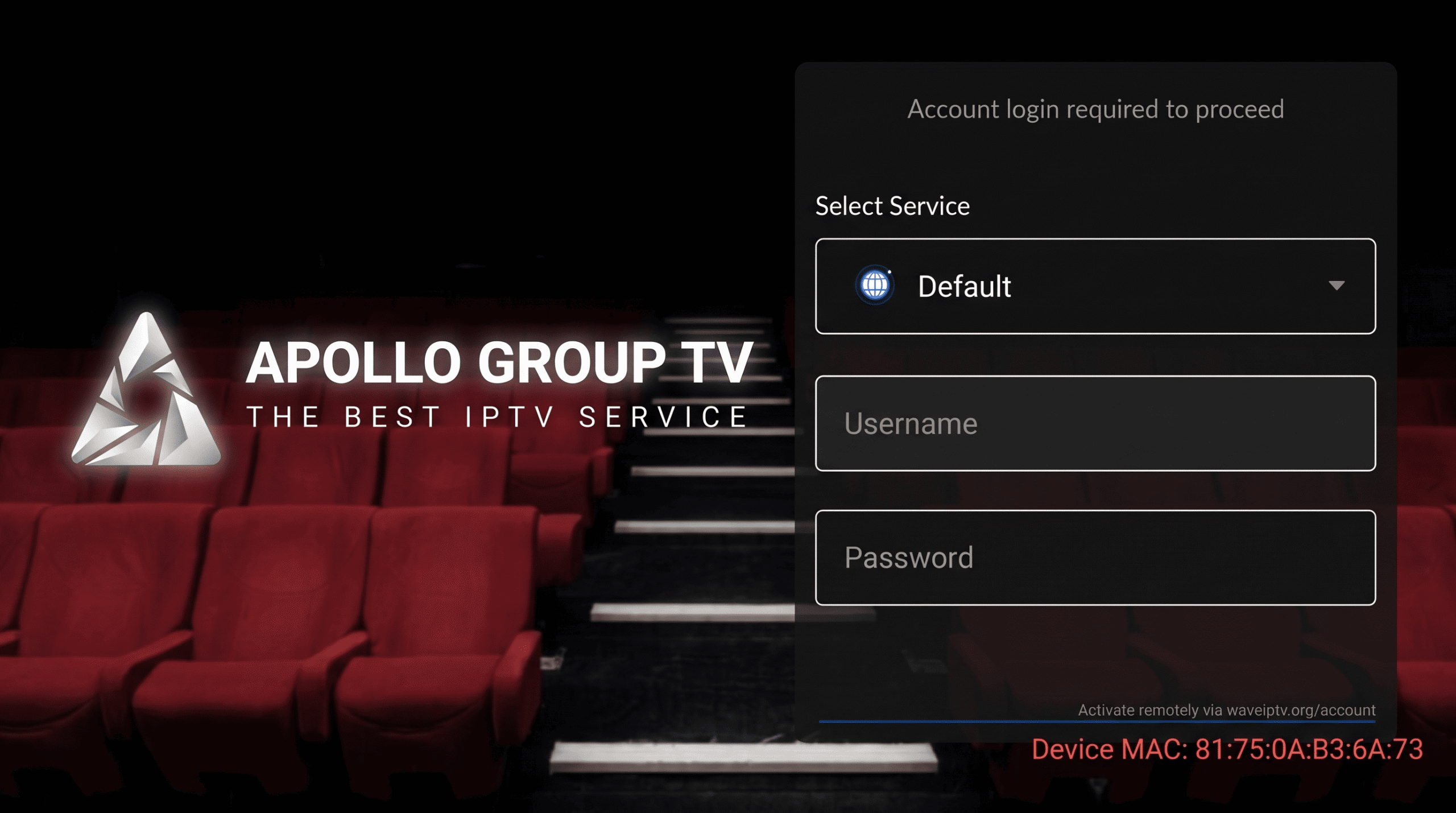
Note: For Apple ecosystems, we highly recommend apps like Startup Show or IPTVX. Simply input your Apollo TV portal login credentials (M3U or Xtream API) to sync your channel list and VODs.
Smart TVs, Roku & Windows PCs
Samsung & LG Smart TVs
Televisions running Samsung Tizen or LG WebOS do not support direct APK installation. However, they are fully compatible via the app store.
- Download IBO Player Pro or Smart IPTV from the TV app store.
- Upload your Apollo M3U playlist link to the app's web portal.
Windows PC & Web Players
You can watch Apollo Group TV directly from your desktop browser or via dedicated media software, perfect for secondary screens or laptops.
- VLC Media Player (Network stream via M3U)
- Windows MyIPTV Player
- Apollo Group TV Web Player (Browser)
Roku & Gaming Consoles
Roku operates on a closed ecosystem that actively blocks independent IPTV services. Setup requires workarounds.
- Roku: Not natively supported. Screen mirroring or Plex workarounds are required.
- Xbox/PlayStation: Watchable only via the console's built-in web browser or third-party Edge apps.
Device Compatibility FAQ
Ready to set up your device?
Ensure you have an active subscription before installing.