Download the Apollo Group TV App
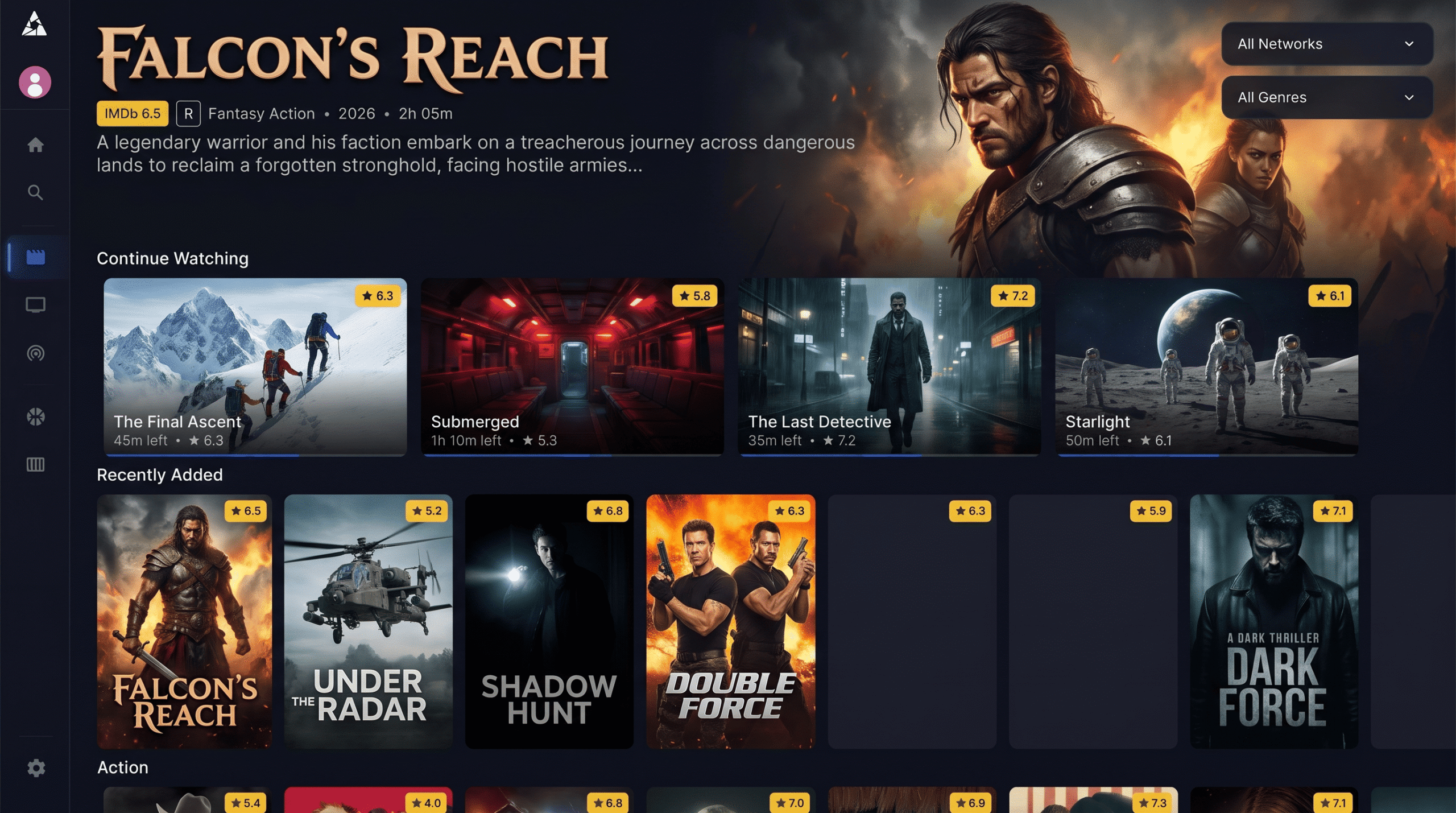
Transform your smart device into an entertainment powerhouse. The Apollo TV App delivers lightning-fast zapping, an interactive Electronic Program Guide (EPG), and instant access to over 15,000 live channels and a 90,000+ VOD library.
Why Use the Official Apollo TV App?
Designed specifically to handle massive channel lists and high-quality streaming payloads.
Advanced EPG Integration
The Apollo Group TV App features a beautifully laid out Electronic Program Guide. See what's playing now and what's coming up next across hundreds of categories effortlessly.
Lightning Fast Zapping
Unlike generic IPTV players that lag, our optimized app environment allows for millisecond channel switching, giving you a traditional cable-like browsing experience.
Categorized VOD Library
Browse over 90,000 movies and TV series neatly organized by genre, popularity, and latest additions directly inside the Apollo TV App interface.
Multi-Screen & Catch-up
Watch up to 4 streams at once with the multi-screen feature. Plus, never miss a game with our integrated Catch-up TV functionality on supported channels.
How to Install the Apollo TV App on Firestick
Amazon Fire TV Sticks are the most popular devices for IPTV. Because the Apollo Group TV APK is not hosted directly on the Amazon App Store, you will need to sideload it using the free Downloader application.
Enable Unknown Sources
On your Firestick, navigate to Settings > My Fire TV > Developer Options. Turn ON "Apps from Unknown Sources".
Get the Downloader App
Go to the Firestick search bar, type "Downloader", and install the official orange app.
View Downloader on Amazon Appstore ↗
Enter the Apollo Group TV Downloader Code
Open Downloader, click the URL box, and enter the official Apollo TV App Downloader Code: 299336 (or type apollogroup.tv). Click Go.
Install & Login
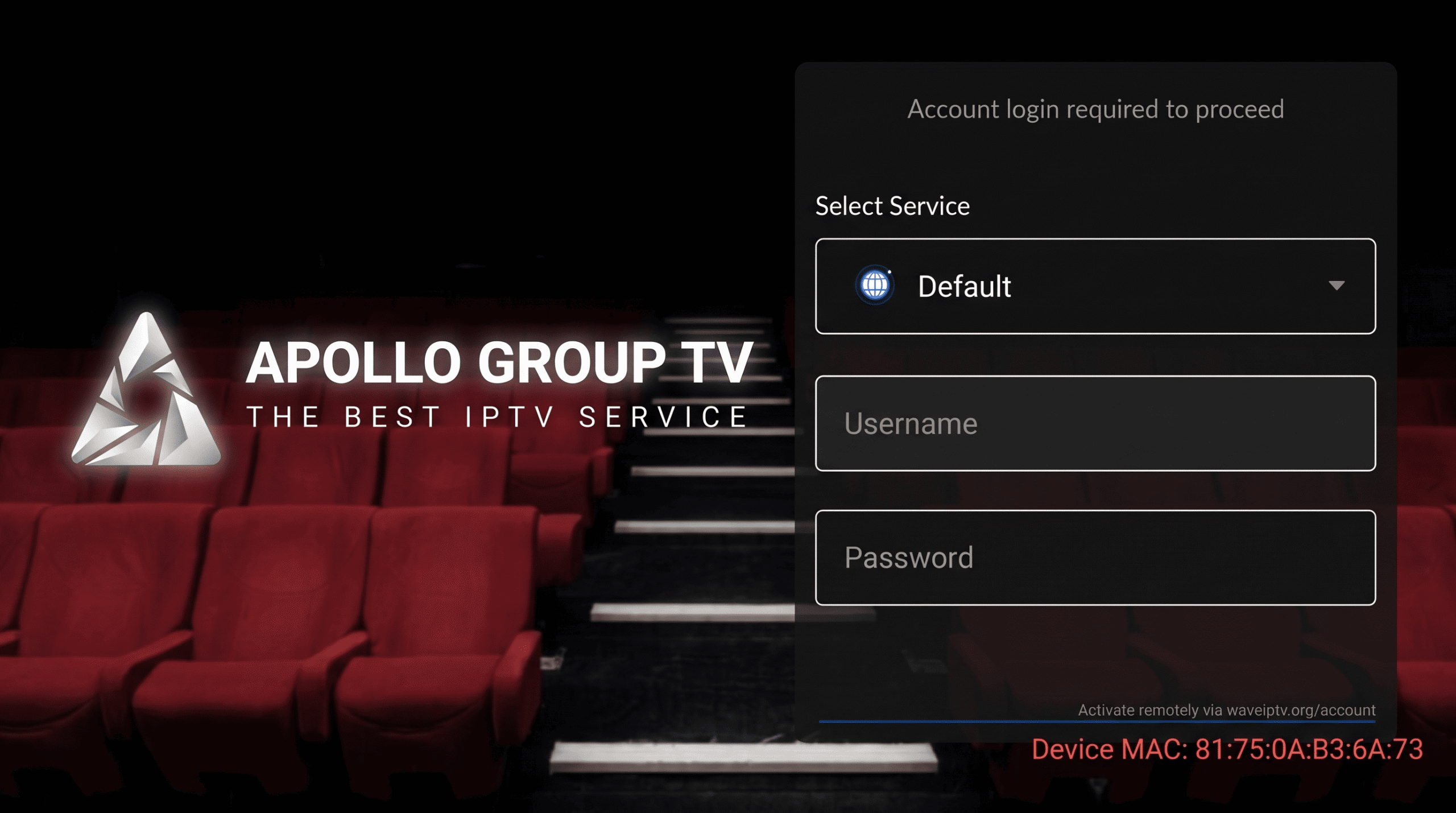
Once the download finishes, click Install. Open the app and log in using the credentials provided in your client portal.
Required for Setup:
- • An active Apollo Group TV Subscription
- • Amazon Fire TV Stick, Fire TV Cube, or Fire TV Edition
- • Internet Connection (10 Mbps minimum)
Helpful Installation Resources
Sign up for a subscription pack to get your login credentials before installing the app.
Learn more about Android TV operating systems that fully support the Apollo TV APK natively.
Having trouble with your Downloader code or app installation? Open a ticket in your portal.